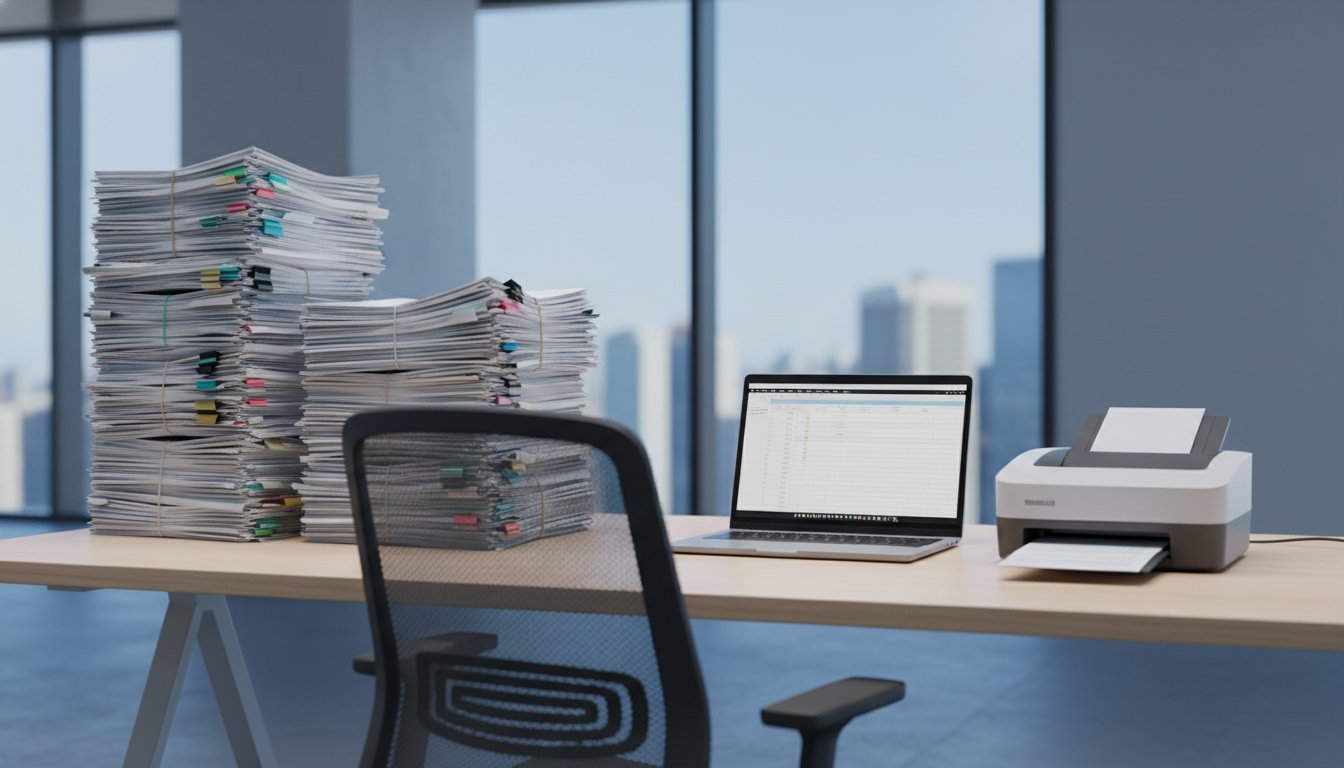
Going Paperless: Complete Document Management Guide for HOA Records
Why Your Association Needs Digital Document Management
Paper files consume valuable office space, create security risks, and make finding specific documents a time-consuming nightmare. Board members waste hours searching through filing cabinets for meeting minutes from two years ago. Property managers lose important vendor contracts in overstuffed folders. Meanwhile, homeowners wait days for copies of governing documents because everything exists only on paper.
Digital document management solves these problems while creating new efficiencies your association never had before. Board members can access meeting packets from home. Homeowners get instant access to approved documents through secure portals. Your property manager can find any contract or invoice within seconds.
What Documents Your Association Should Digitize First
Start with your most frequently accessed and legally critical documents. These form the foundation of your paperless system:
- Governing documents: CC&Rs, bylaws, articles of incorporation, rules and regulations
- Meeting records: Board meeting minutes, annual meeting minutes, resolutions
- Financial records: Budgets, financial statements, audit reports, reserve studies
- Legal documents: Contracts, insurance policies, correspondence with attorneys
- Maintenance records: Warranties, service agreements, inspection reports, work orders
- Owner communications: Newsletters, violation letters, architectural requests
Focus on documents from the past seven years initially. Older records can be digitized later as time permits.
Choosing the Right Document Management System
Your association has three main options for digital document storage:
Cloud-Based Solutions
Services like Box Business, Google Workspace, or Microsoft 365 offer professional-grade security with automatic backups. Box Business starts at $7 per user monthly and includes 100GB storage per user. These platforms provide version control, so you never lose track of document changes.
Property Management Software
Many property management companies include document storage in their platforms. TOPS Professional, Buildium, and AppFolio all offer integrated document management. This keeps everything in one system but limits access to whoever manages your property management account.
Specialized HOA Platforms
Dedicated association management platforms like Boardable, HOA Express, or Condo Control Central focus specifically on community association needs. They typically include features like homeowner portals, meeting management, and violation tracking alongside document storage.
Setting Up Your Digital Filing System
Organization makes or breaks your paperless initiative. Create a folder structure that matches how your association actually works:
Primary Folder Categories
- 01 Governing Documents
- 02 Board Meetings (with subfolders by year)
- 03 Financial Records (with subfolders by year and document type)
- 04 Legal and Insurance
- 05 Maintenance and Repairs
- 06 Owner Communications
- 07 Vendor Contracts
- 08 Reserve Study
Use consistent naming conventions for all files. Include dates in YYYY-MM-DD format so documents sort chronologically. For example: "2024-03-15 Board Meeting Minutes" or "2024-02-28 Financial Statement."
The Document Scanning Process
You have several options for converting paper documents to digital files:
In-House Scanning
Purchase a document scanner like the Fujitsu ScanSnap iX1600 ($395) or Brother ADS-4900W ($649). These scanners handle batches of documents automatically and create searchable PDF files. Budget 2-3 minutes per document when factoring in sorting, scanning, and filing time.
Mobile Scanning Apps
Apps like Adobe Scan, Microsoft Office Lens, or CamScanner turn smartphones into document scanners. These work well for occasional documents but prove inefficient for large batches. The image quality also varies based on lighting conditions.
Professional Scanning Services
Local copy shops or specialized services like Iron Mountain charge $0.08 to $0.15 per page for bulk scanning. This option makes sense for associations with thousands of historical documents. Request files in searchable PDF format with logical file names.
Security and Access Control
Digital documents require careful security planning. Not every document should be accessible to every person.
Create Access Levels
- Board members: Full access to all association records except personnel files
- Property managers: Access to operational documents, financial records, and vendor information
- Committee members: Access to documents relevant to their specific committees
- Homeowners: Access to governing documents, approved meeting minutes, and financial summaries
Security Best Practices
Require two-factor authentication for all users accessing sensitive documents. Use strong passwords and change them every 90 days. Enable automatic logout after 30 minutes of inactivity. Create audit logs that track who accessed which documents and when.
Never store Social Security numbers, bank account details, or personal financial information in shared document systems. These require separate, more secure storage solutions.
Training Your Board and Staff
The best document management system fails if people don't use it correctly. Schedule training sessions that cover:
- How to search for and download documents
- Proper file naming conventions
- Version control procedures
- Security requirements and password management
- Mobile access procedures
Create written procedures that new board members can reference later. Include screenshots of key screens and step-by-step instructions for common tasks.
Backup and Disaster Recovery
Digital documents need protection against hardware failures, cyberattacks, and natural disasters.
The 3-2-1 Rule
Maintain three copies of critical documents: the original file, a local backup, and a cloud backup stored in a different geographic location. This protects against single points of failure.
Test Your Backups
Schedule quarterly tests where you actually restore documents from backup copies. Many associations discover their backup systems don't work only when they need them most.
Document Retention Policies
California requires HOAs to retain meeting minutes permanently and financial records for seven years. Texas requires financial records for seven years and contracts for four years after expiration. Check your state's specific requirements and configure automatic deletion for documents that exceed retention periods.
Making the Transition
Don't try to go completely paperless overnight. Start with new documents and gradually work backward through historical files.
Phase 1: Stop Creating New Paper (Month 1-2)
Set up your digital filing system and train key users. Begin saving all new documents digitally. Continue using existing paper files for reference.
Phase 2: Digitize Active Files (Month 3-4)
Scan current year documents that you access regularly. Focus on governing documents, recent meeting minutes, and active vendor contracts.
Phase 3: Historical Documents (Month 5-12)
Work through older documents systematically. Prioritize legally required records and frequently referenced materials.
Measuring Success
Track metrics that demonstrate the value of your paperless initiative:
- Time spent searching for documents (should decrease significantly)
- Office storage space freed up
- Response time for homeowner document requests
- Board member satisfaction with meeting preparation
- Reduction in lost or misfiled documents
ReservePath provides digital reserve study management that integrates with your document system, helping associations track component conditions, plan replacements, and maintain funding schedules in one organized platform.