Digital Site Inspections: How Tablets and Phones Transform Reserve Study Fieldwork
Why Property Inspections Need a Digital Upgrade
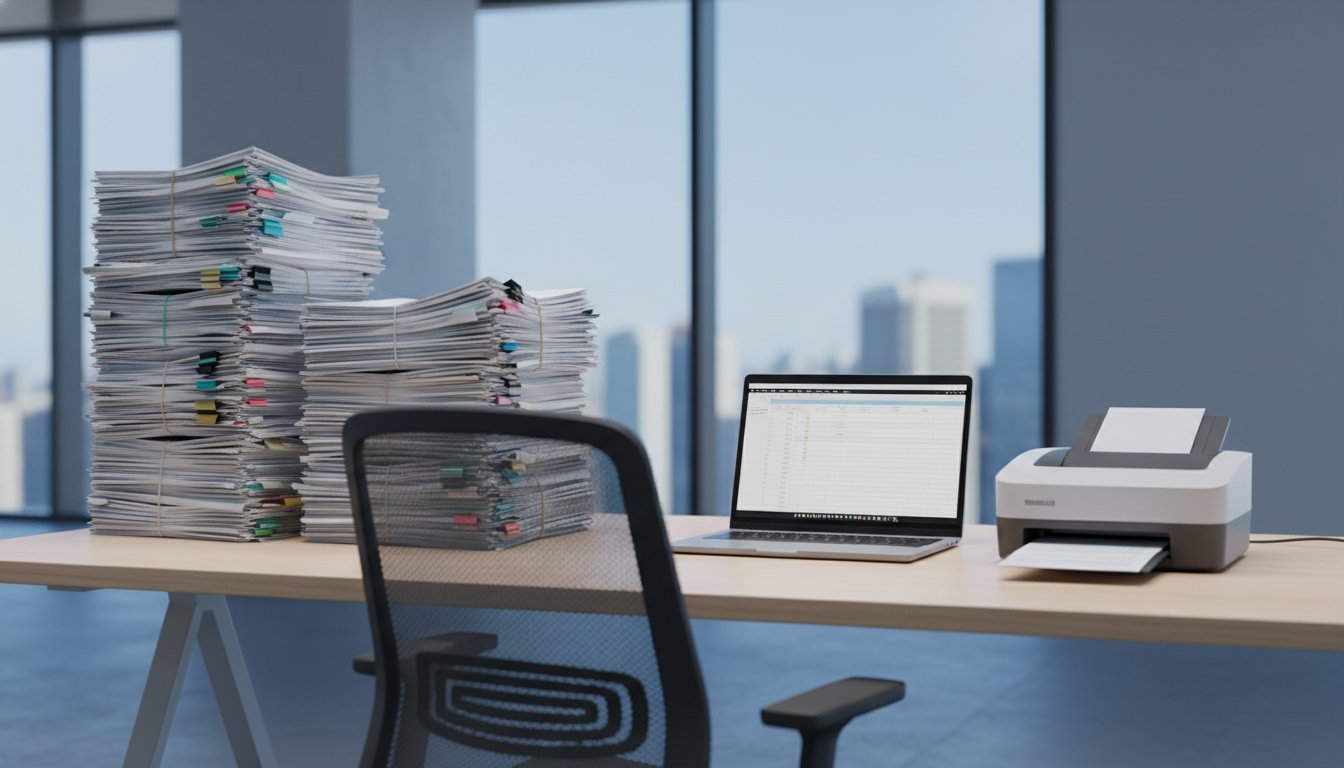
Traditional paper-based property inspections create bottlenecks that cost associations time and money. Inspectors scribble notes on clipboards, take photos with separate cameras, then spend hours back at the office transcribing handwritten notes into digital reports. This process introduces errors and delays that boards cannot afford when making critical maintenance decisions.
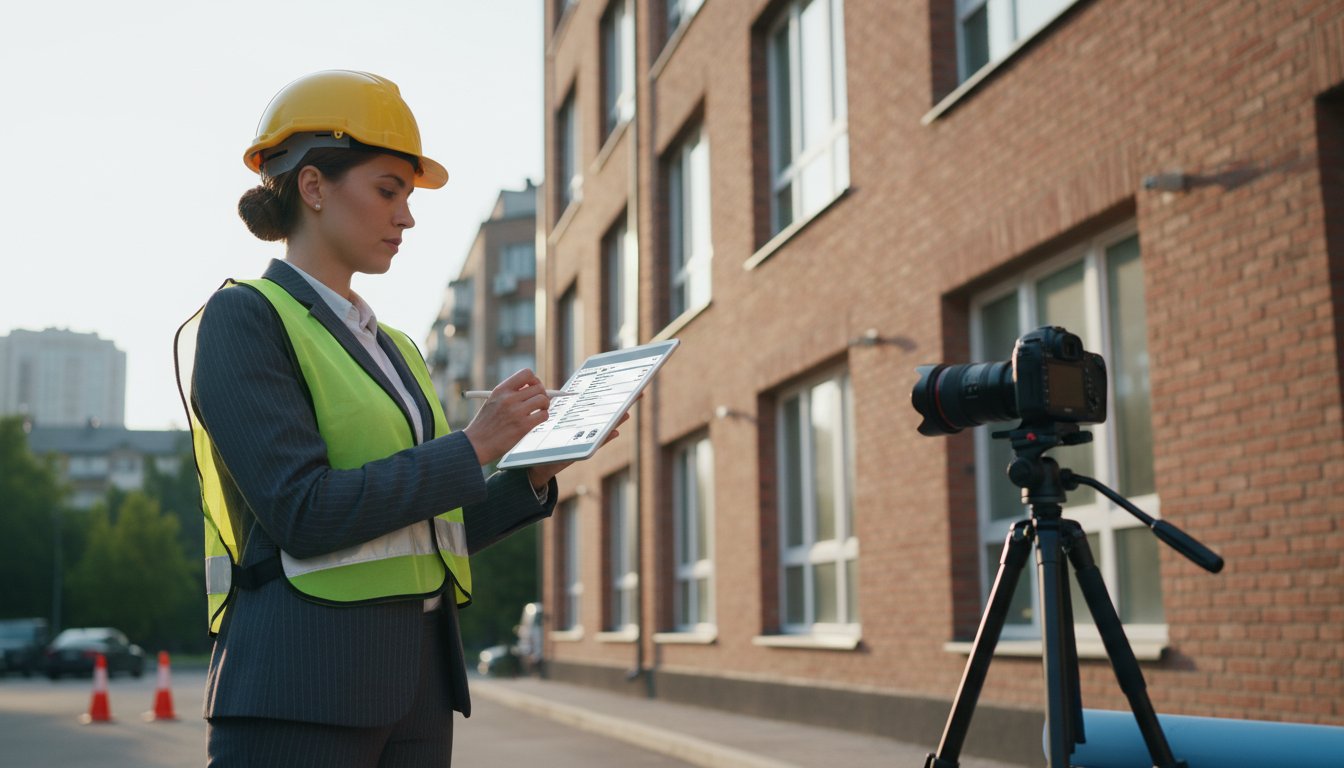
Digital site inspections using tablets and smartphones eliminate these inefficiencies. Modern devices combine data collection, photography, and note-taking into one streamlined process that delivers faster, more accurate results.
Essential Features for Digital Inspection Tools
The best digital inspection platforms share several key characteristics that make fieldwork more efficient:
- Offline functionality - Works without internet connection in basements, parking garages, or remote areas
- Photo integration - Automatically links images to specific building components or locations
- Voice-to-text - Converts spoken observations into written notes while walking the property
- GPS mapping - Records exact locations of issues for future reference
- Customizable forms - Adapts to different property types and inspection requirements
- Real-time syncing - Uploads data instantly when connectivity returns
Popular Digital Inspection Platforms
Several software options cater specifically to property inspections:
iAuditor by SafetyCulture offers pre-built templates for building inspections and allows custom form creation. The platform excels at generating professional reports with embedded photos and location data.
PunchListUSA focuses on construction and maintenance punch lists. Its strength lies in visual documentation and collaborative features that let multiple team members track issue resolution.
Inspect2GO provides specialized tools for property managers conducting routine inspections. The platform integrates with popular property management systems and includes tenant communication features.
Implementation Best Practices
Start with a Pilot Program
Begin digital inspections on a small scale before rolling out community-wide. Select one building or property section to test the new system. This approach allows your team to learn the software and identify potential issues without disrupting operations.
Train Your Inspection Team
Dedicate time to proper training. Most platforms offer free training sessions or video tutorials. Schedule practice sessions where inspectors can familiarize themselves with the interface before conducting real inspections.
Create standardized naming conventions for photos and documents. Consistent file naming makes it easier to locate specific information later and ensures reports maintain professional consistency.
Establish Photo Standards
Good photography makes or breaks digital inspections. Establish clear guidelines for photo quality:
- Take multiple angles of each component or issue
- Include reference objects for scale when documenting damage
- Capture overview shots that show component locations within the larger building context
- Use adequate lighting or flash when inspecting dark areas
Overcoming Common Challenges
Battery Life and Device Management
Long inspection days drain device batteries quickly. Invest in portable chargers or battery packs for extended fieldwork. Consider having backup devices available for critical inspections.
Protect tablets and phones from weather and job site hazards with rugged cases. Many inspection-specific cases provide screen protectors while maintaining touchscreen functionality.
Data Security and Storage
Association records require careful handling. Choose platforms that offer encrypted data transmission and storage. Verify that your selected software complies with relevant data protection regulations.
Establish clear data retention policies. Determine how long to keep inspection photos and reports, and ensure your digital platform can accommodate these requirements.
Measuring Success and ROI
Track specific metrics to evaluate your digital inspection program:
- Time savings per inspection (typically 25-40% reduction)
- Report turnaround time (often cut from days to hours)
- Error reduction in transcription and data entry
- Improved photo quality and documentation completeness
Most associations see full return on investment within the first year through time savings alone. Additional benefits include better maintenance planning, improved contractor communication, and enhanced board reporting.
Integration with Existing Systems
Digital inspections work best when integrated with your association's existing technology stack. Look for platforms that export data to your accounting software, reserve study tools, or property management systems.
Many inspection apps generate reports in multiple formats, including PDF for board presentations and CSV for data analysis. This flexibility ensures compatibility with different stakeholder needs.
ReservePath helps associations manage reserve studies and track building components with modern tools designed for today's property management needs. Our platform integrates inspection data to support better funding decisions and long-term planning.